You see how cars are kept
Mileage, fuel and expenses per car — from the person driving it, not from a report at the end of the month.
For companies
The company garage is run by those who need it at work, and the manager sees the whole fleet. Cars, documents, service schedules and expenses in one place, without spreadsheets and chat.
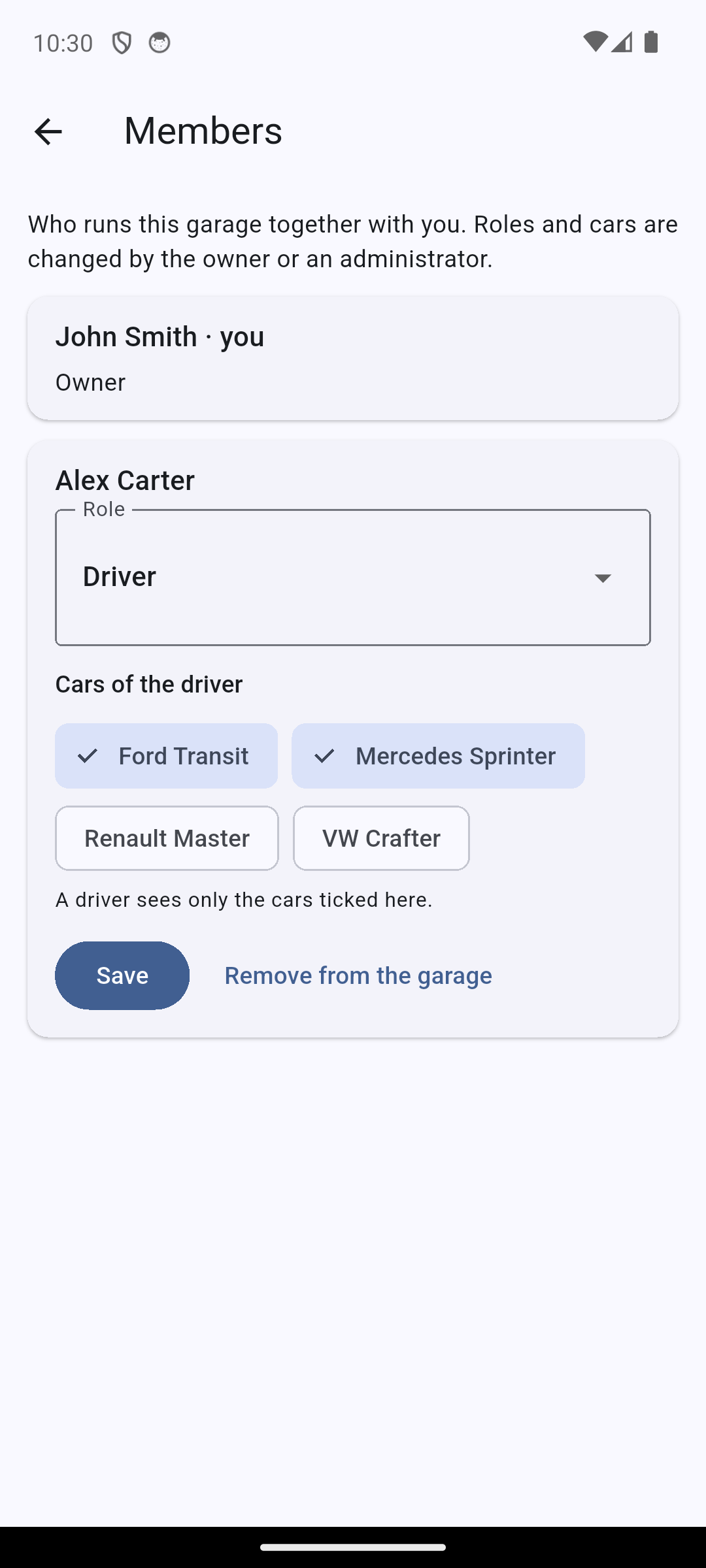
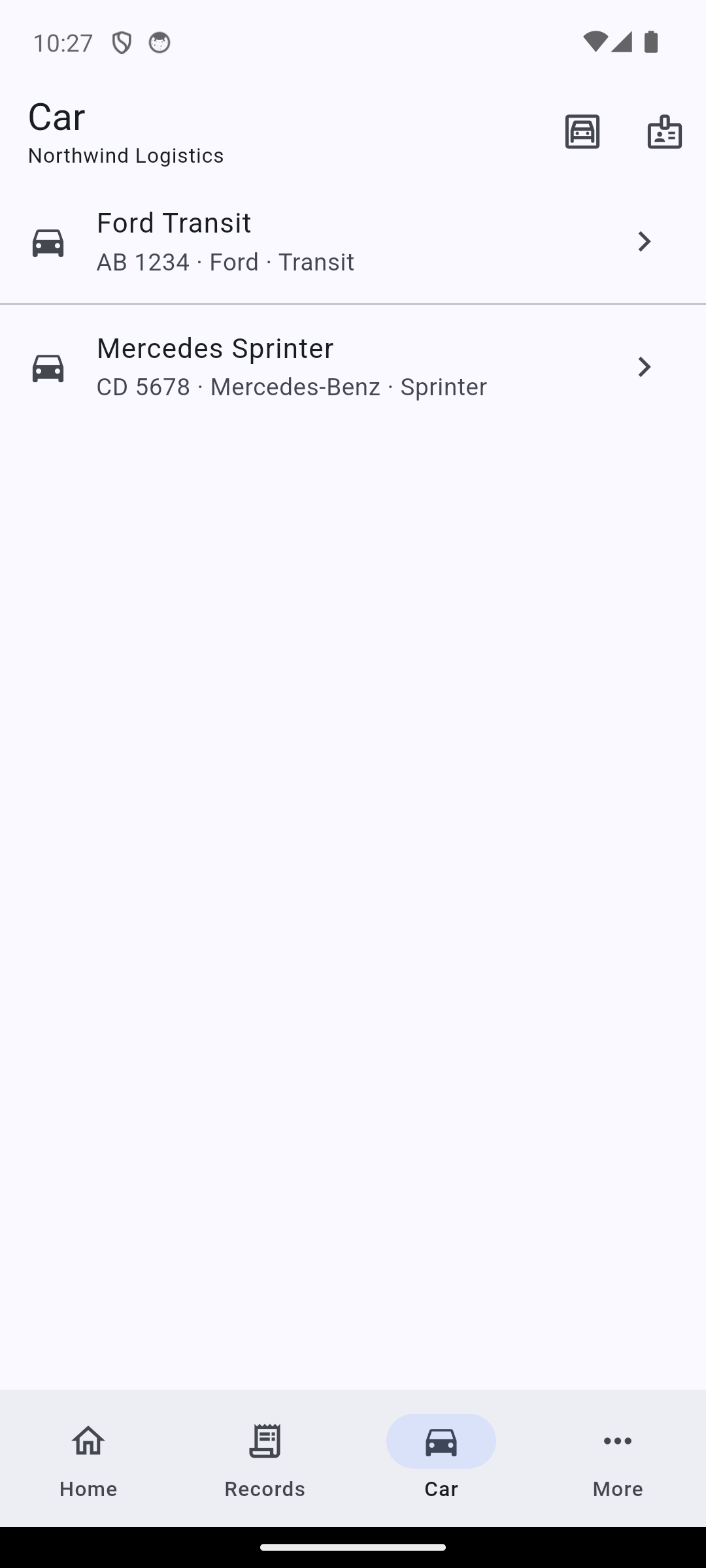
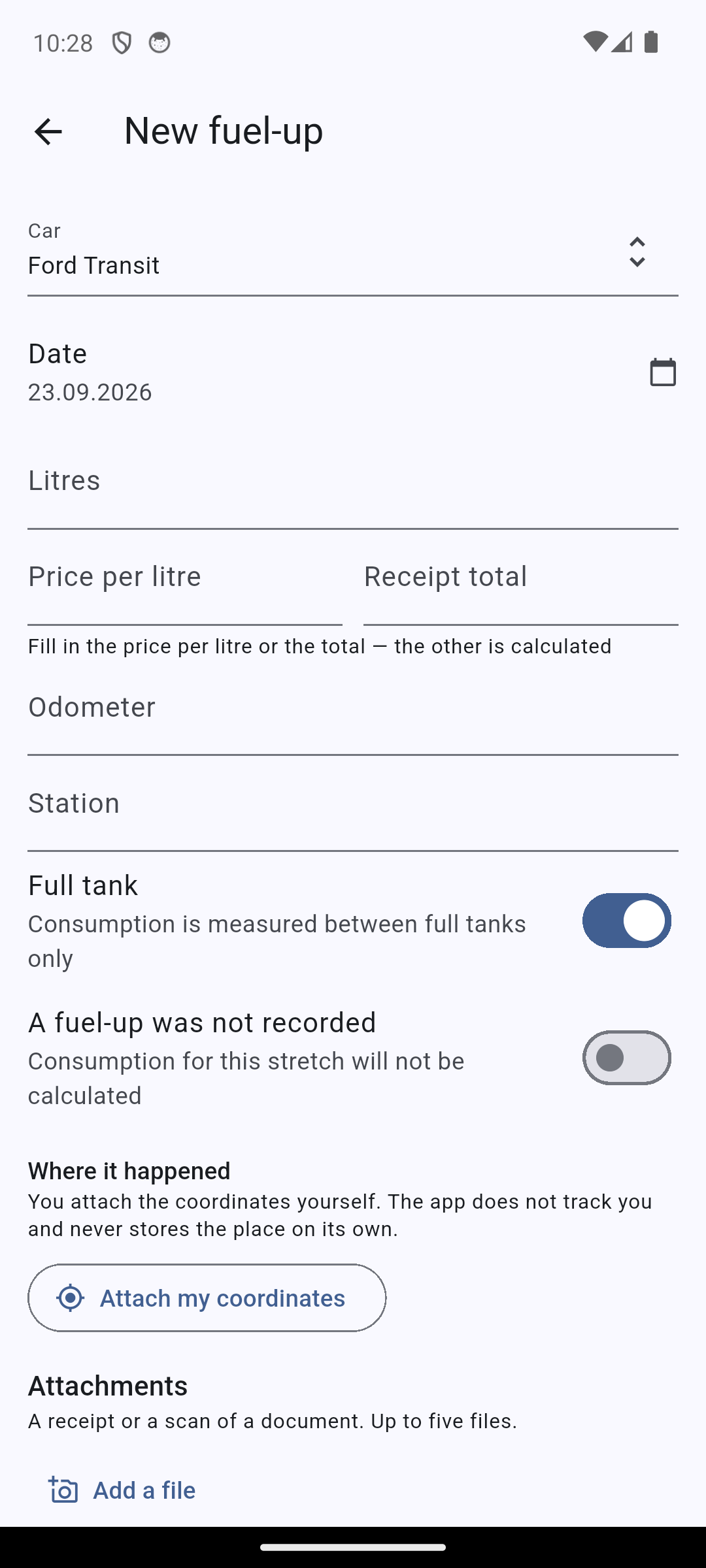
Mileage, fuel and expenses per car — from the person driving it, not from a report at the end of the month.
Schedules run by mileage and by date: the reminder arrives in advance and opens the very record it is about.
Insurance, inspection cards and contracts live with the car — with their dates and attachments.
An employee is removed from the garage — their records stay, access stops at once.
Roles hand out rights, not trust: the server never lets anyone further than allowed, whichever device they sign in from.
Everything in the garage. Nobody but the owner themselves can change the owner.
Everything the owner can do, except appointing other administrators.
Cars and their records: mileage, fuel, expenses.
Only the assigned cars: records what they do themselves, reads documents and schedules.
Free for up to 5 cars
A fleet of up to five cars is free, with no limit on the number of employees. Need more — write to us and we will discuss it.
The fleet does not have to be kept by hand: the company system pulls records over REST. An administrator of the garage creates the key in the integrations cabinet at api.avtonote.com, the full key is shown once, and only its fingerprint stays in the database.
Reads and writes cars, mileage, fuel-ups, expenses, work, documents and the service schedule.
Every action in the garage is available: drivers, cars, links and records. Read-only is a choice when the key is created, not a rule.
A revoked key stops working at once; every key shows its last use and request count.
A repeated request with the same external identifier updates the record instead of creating a second one.
For a company garage it is: that is how the accounts are matched. We check the check digit so a typo never reaches documents; whether the company exists is a question for the tax office, and we do not pretend to answer it.
As many as you need: the number of people is not limited. The limit is on cars — up to five for free.
Only the cars assigned to them and their records. They can see who else is in the garage, but cannot change it — that is the owner and administrators.
Records are entered offline and sync on their own. Invitations and the members need a connection: they are rights, and there is no way to invent them on a phone.
Yes: a personal one and a work one, or several companies. Switching takes one step, and the current garage is always visible.
The first car and the first employee take a minute. After that the app does the counting.
Web app and mobile · Android and iOS